
These AI tools can take work off your plate without you writing a line of code. Workflow automation used to mean simple recipes: “if this happens, do that.” In 2026, the tools in this category have split into two very different species — platforms that still run on triggers and actions, and a newer wave of AI agents that read context, make judgment calls, and adapt when the input doesn’t match the script.
This isn’t about picking one “best” automation tool. It’s about matching the tool to the job — connecting apps, delegating a decision, extracting data, or turning a meeting into action items. Here’s how the category breaks down, layer by layer.
Layer 1: The Foundation — General Automation Platforms AI Tools
Before you reach for an AI agent, most workflows are still best served by a rock-solid trigger-and-action platform. This is the layer everything else sits on top of.
Zapier
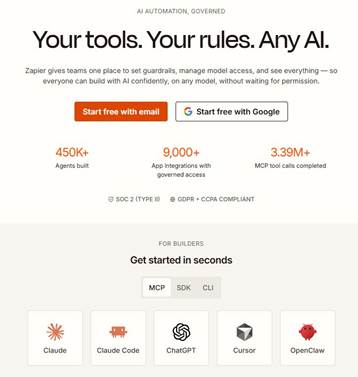
Zapier remains the most widely used automation platform, connecting thousands of apps. What’s changed by 2026 is what sits inside a Zap: native AI Actions let you drop a GPT-4o, Claude, or Gemini step anywhere in a workflow, Copilot builds a first draft of your automation from a plain-English description, and Zapier Central adds persistent AI agents that can monitor data and act without a rigid trigger. It’s still the easiest on-ramp for non-technical users.
Make
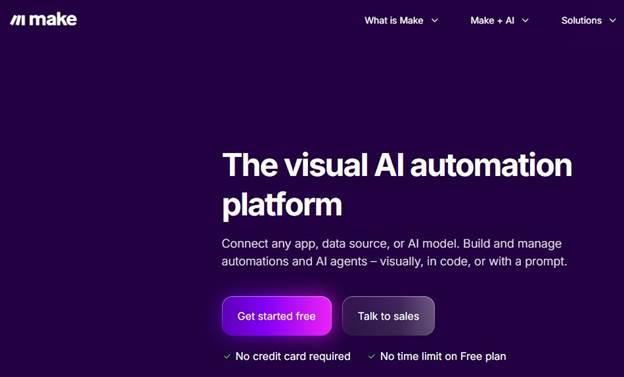
Make (formerly Integromat) is the pick for anyone who wants to see their automation, not just describe it. Its visual, node-based canvas makes branching logic and error handling far easier to reason about than a linear Zap list, and it now layers AI modules on top for a similar cost to Zapier but with more room for complex, multi-branch workflows.
n8n
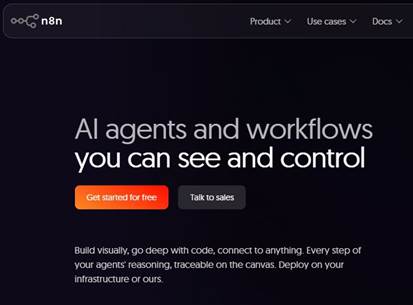
n8n is the open-source, self-hostable option — the natural choice for technical teams who want full control over where their data lives, or who need to run automations at a scale where per-task pricing on hosted platforms gets expensive. It trades some of Zapier’s beginner-friendliness for flexibility and cost control.
Layer 2: AI Agents — When Rules Aren’t Enough
A traditional automation breaks the moment an input doesn’t match the pattern it expects — an email format changes slightly, a field is missing, a request is phrased differently. This is the gap AI agent platforms are built to close: instead of following a fixed recipe, they reason about a goal and decide what to do next.
Lindy
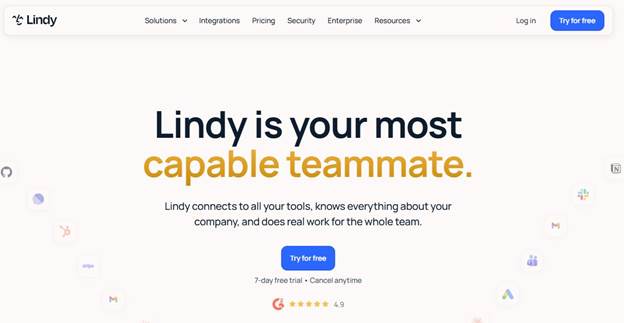
Lindy is a no-code platform for building autonomous “AI employees” — agents that can triage an inbox, qualify leads, update a CRM, or handle inbound calls, adapting when the situation is ambiguous rather than stalling. It’s built for goal-directed reasoning rather than rigid if-this-then-that logic, which makes it a better fit than Zapier for judgment-heavy work, at a higher starting price.
Relevance AI
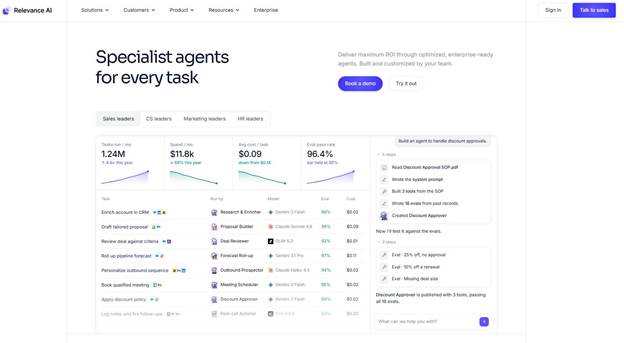
Relevance AI leans further into custom multi-agent workflows — useful for teams that want to design their own AI “workforce” for research, outreach, or ops rather than starting from a template library.
Layer 3: Meeting-to-Action Automation with AI Tools
A meeting isn’t useful until the decisions inside it turn into tasks. This layer of tools listens in, then pushes the follow-up work into the systems where it actually gets done.
Fathom
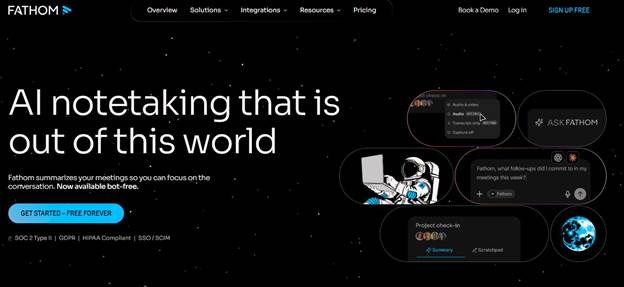
Fathom records, transcribes, and summarizes calls with action items within moments of the meeting ending, and its free tier is unusually generous — the easiest starting point for individuals or small teams.
Fireflies.ai
Fireflies.ai is the stronger pick once a team lives inside a CRM — it pushes summaries, topics, and action items directly into Salesforce, HubSpot, or Notion, and supports the widest range of languages in the category.
Layer 4: Document & Data Workflow Automation with AI Tools
A large share of “manual work” is really just moving data out of one format (a PDF, an invoice, a scanned form) and into another. This layer handles that extraction step automatically.
Docparser

Docparser turns PDFs, invoices, and other documents into structured data you can pipe straight into a spreadsheet, database, or downstream automation — built specifically for teams drowning in repetitive document entry.
Nanonets
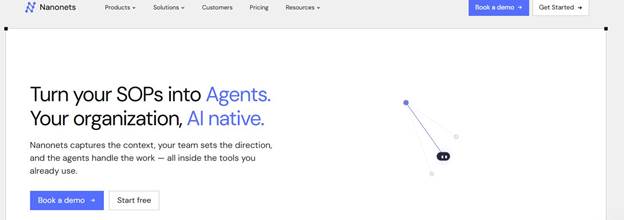
Nanonets covers similar ground with a stronger focus on OCR and finance-heavy documents — invoices, receipts, and forms — and connects into existing ERP and accounting workflows.
Layer 5: CRM & Business Process Automation with AI Tools
Once data and meetings feed into a CRM, the AI layered on top of that CRM starts doing the follow-up work itself — scoring leads, drafting responses, and flagging what needs a human.
HubSpot AI

HubSpot’s AI features sit natively inside its CRM, marketing, and sales tools — the natural choice for teams already on HubSpot who want automation without adding another platform to the stack.
Salesforce Einstein
Salesforce Einstein is the enterprise-grade equivalent — deeper customization and governance, at the cost of more setup complexity, built for organizations already running on Salesforce.
Layer 6: The Glue — Cross-App & Enterprise Automation with AI Tools
The last layer covers the tools that stitch everything above into a single pipeline, especially inside larger organizations with more complex approval chains and legacy systems.
Microsoft Power Automate
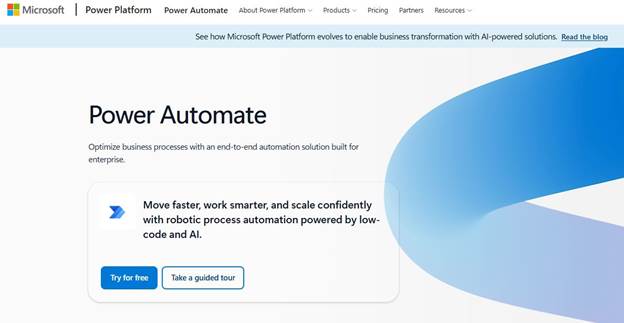
Power Automate is the default choice for organizations already living in Microsoft 365 — its AI Builder adds document processing and prediction models directly into flows that touch Outlook, SharePoint, and Teams.
Tray.ai
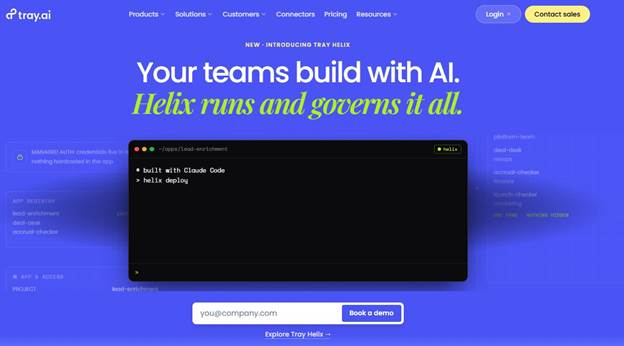
Tray.ai targets enterprise teams that have outgrown Zapier or Make — more governance, more scale, and AI agents designed to sit inside larger, cross-department automation programs.
The Bottom Line
No single tool covers the whole category — workflow automation still splits into distinct jobs: connecting apps, delegating judgment calls, capturing meetings, extracting data, and running business processes. A reasonable stack for a small team in 2026 looks something like:
Zapier or Make (connect apps) → Lindy (judgment-heavy tasks) → Fathom or Fireflies (meetings) → Docparser or Nanonets (documents) → HubSpot or Salesforce Einstein (CRM)
Start with whichever layer is costing your team the most hours right now — not the tool with the flashiest demo — and get one workflow running end to end before adding the next.
Here’s a short poem for you:
Rules were rigid, if-this-then-that,
Now your workflows think, just like that.
From inbox to CRM, meeting to task —
Automate the busywork, that’s all we ask!
-Team WIO
WIO Karo! Chill Karo!