
From Idea to Launch: AI Tools That Can Build Your Next Game
These AI tools can build your next game. Not long ago, making a video game meant assembling a team: a programmer, an artist, a sound designer, maybe a writer. In 2026, a solo creator with a laptop and a clear idea can get remarkably far on their own — and AI is the reason why.
This isn’t about typing “make me a game” into a chatbot and hoping for magic. It’s about a growing stack of specialized tools, each built for a specific stage of development — ideation, building, art, narrative, audio, and finally, shipping. Here’s how to move through that stack, from your first spark of an idea to a playable build on Steam or itch.io.
Stage 1: Ideation — Know What You’re Building Before You Build It
The biggest trap for new solo devs is diving straight into an engine without validating the idea first.
Ludo.ai is built specifically for this. It’s a game-design ideation platform that studies market trends and top-performing titles to help you land on promising themes and mechanics before you write a line of code. You can browse thousands of examples from top charts, check their performance metrics, and generate fresh concepts, mechanics, icons, and even store descriptions in seconds.

Think of this stage as market research you’d normally skip as a solo dev — now it takes minutes instead of weeks.
Stage 2: Building the Game — Where AI Does the Heavy Lifting
This is the core of the “idea to launch” journey, and it’s where the AI tooling has matured the most in the last year.
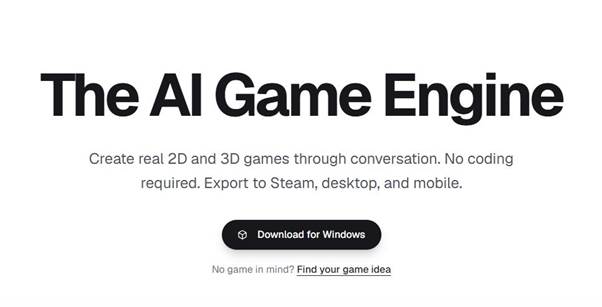
Summer Engine is currently the strongest option if you want an AI agent that builds inside a real, live game editor rather than just handing you code to paste. It’s compatible with Godot 4, and the AI agent can place nodes, write and run GDScript, test the game, and read errors back to fix them itself. Unlike browser toy generators, exports carry no watermark and no revenue share — what you build is genuinely yours to publish. If you’re a complete beginner, the workflow is refreshingly simple: describe your game in a sentence, iterate through conversation, and export a desktop build once it feels playable.
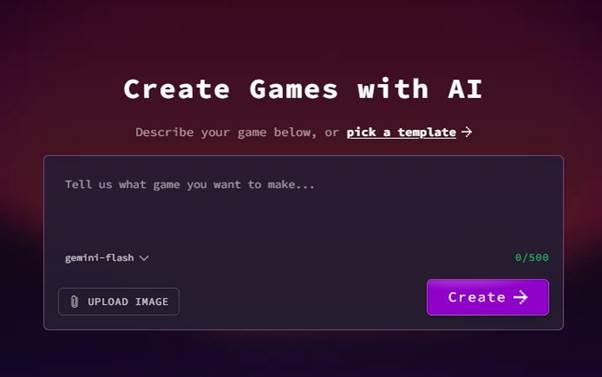
Rosebud AI is the better pick if speed matters more than depth — think game jams or weekend prototypes. It’s a no-code, prompt-based engine: describe your concept, and its AI assistant (“Rosie”) generates the boilerplate code, logic, and physics, then keeps building as you type follow-up commands like “add mountains” or “make it night.” It won’t get you a polished Steam release, but almost nothing gets you to a playable browser build faster.
Unity (with Unity Muse and GitHub Copilot) remains the choice for anyone planning a professional, cross-platform release. It demands more technical know-how and a higher-spec machine, but you get far more control and industry-standard export options — a better fit if you’re aiming past your first game.
Stage 3: Code Assistance — For When You’re Already in an Engine
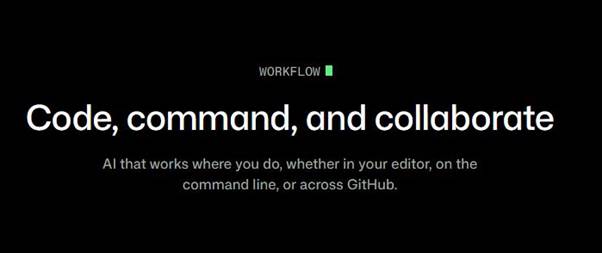
If you’re comfortable in an engine and just want AI support with logic and scripting rather than full generation, GitHub Copilot is the standard recommendation. It works inside Godot, Unity, or Unreal, speeding up repetitive coding tasks and helping you learn better patterns as you go — without taking the wheel entirely.
Stage 4: Art, Environments, and 3D Assets
Even with a working prototype, most solo devs hit a wall on art. This is where a second wave of tools earns its keep.
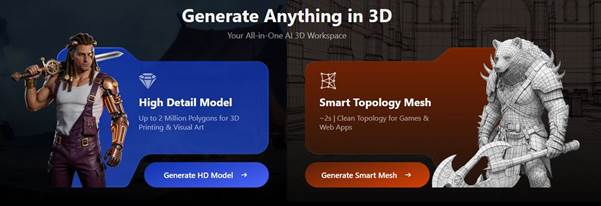
Meshy and Tripo both turn text prompts or reference images into clean, textured 3D models in seconds — complete with retopology and UV mapping handled automatically. Tripo in particular has leaned into game-dev partnerships, exporting directly into engines like Rosebud in ready-to-use .GLB format.

Promethean AI works more like an art director than an asset generator. Describe a scene — “make this a messy 90s bedroom” — and it populates an entire environment for you inside Unity or Unreal, understanding your existing assets well enough to place them logically.

Ludo.ai doubles as a full asset pipeline beyond ideation: sprites, icons, UI, textures, and animations, all generated and editable through follow-up prompts that preserve a character’s style and identity across variations.

Stage 5: Narrative and NPCs
If your game leans on story or characters, generic AI writing tools won’t get you branching dialogue that reacts to player choices.
Inworld AI specializes in NPC behavior — giving characters dynamic reactions and dialogue that make story-driven games feel genuinely alive.

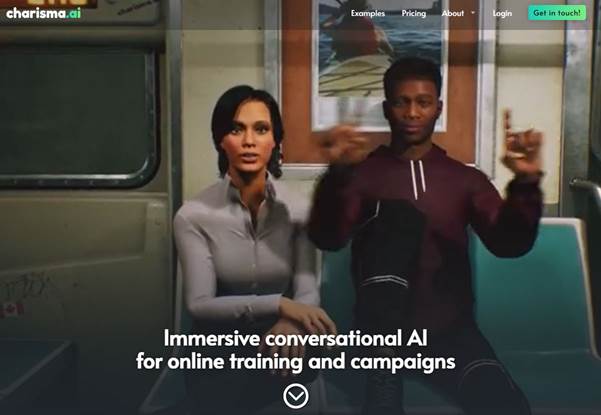
Charisma focuses on building complex, branching conversations and scenarios that adapt based on what the player does, which is especially useful for narrative-heavy indie titles.
Stage 6: Audio and Voice
ElevenLabs is the go-to for voice work — cloning, multi-language support, and an expanding sound-effects pipeline. One caveat worth flagging for readers: commercial use of voice cloning requires a paid plan, and consent/licensing around cloned voices is worth taking seriously rather than treating as a technicality.

Ludo.ai also covers music and sound effects, so if you’d rather not juggle five separate subscriptions, it’s worth checking whether its audio tools cover what you need before adding a dedicated voice tool.

Stage 7: Launch
Once your build feels playable, the last mile is publishing it.
itch.io remains the lowest-friction option for a first release, especially for browser-based games built in Rosebud.
Whichever platform you choose, budget time for a short round of human playtesting. AI can shorten the road to a playable build dramatically, but it doesn’t replace the judgment calls that make a game actually fun.

The Bottom Line
No single tool takes you cleanly from idea to launch — the category still splits into distinct jobs: ideation, building, art, narrative, audio, and publishing. The fastest path for most solo creators in 2026 looks something like:
Ludo.ai (idea) → Summer Engine or Rosebud (build) → Meshy/Tripo + Promethean AI (art) → Inworld/Charisma (story, if needed) → ElevenLabs (voice, if needed) → itch.io (launch)
Pick the tools that match the job you actually have — not the one with the loudest demo — and finish one game before you go looking for the “perfect” stack.
Here’s a short poem for you:
Hey You! Hey You!
Got a game you want to share?
Need some magic everywhere?
AI’s ready—give it a try!
Create, explore, and aim up high!
-Team WIO
WIO Karo! Chill Karo!