
AI Tools are here to assist you! The average knowledge worker loses hours every week to the same five things: meetings nobody wrote down properly, inboxes that never hit zero, calendars that plan themselves into a corner, research that takes longer to find than to read, and busywork that a machine could do in seconds. None of that is a productivity failure on your part — it’s a tooling gap.
We stress-tested 15 AI tools against The WIOAI Test: does it save real, measurable time; does it do one job well instead of everything badly; and would we actually keep paying for it after the free trial ends? The tools below passed.
AI Tools for Meetings & Notes AI
Fireflies.ai
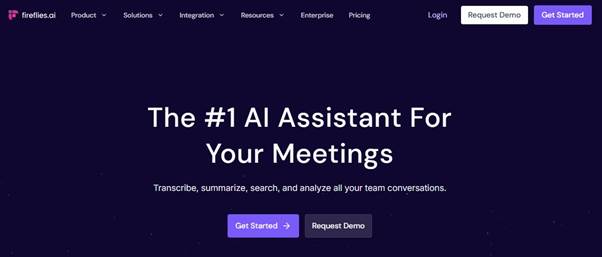
What it does: Joins your calls, transcribes them in real time, and turns the transcript into a searchable database of everything that’s ever been said in a meeting.
Why it earns a spot: Most meeting tools stop at “here are your notes.” Fireflies’ real value shows up weeks later, when you can search across every meeting you’ve ever had for the one time a client mentioned a budget number. That’s the time-saver nobody puts in the headline.
Best for: Teams running 10+ meetings a week who are tired of digging through someone’s half-finished notes doc.
The WIOAI Verdict: A near-zero-effort tool that pays for itself the first time you need to find something you know was said but can’t remember where.
Read AI
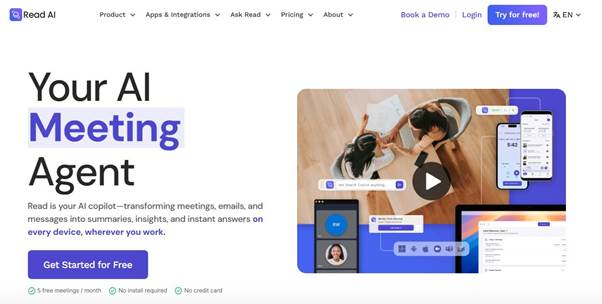
What it does: Goes beyond transcription into sentiment analysis, meeting analytics, and a “Speaker Coach” feature that gives you personalized feedback on how you come across in meetings.
Why it earns a spot: This is the non-obvious pick. While Fireflies wins on searchability, Read AI wins on making meetings themselves better — tracking whether a customer call actually landed well, not just what was said in it.
Best for: Client-facing teams (sales, CS, consulting) who need to know how a conversation felt, not just what happened in it.
The WIOAI Verdict: Overlaps with Fireflies on the basics, but the sentiment and coaching layer is different enough to justify running both if meetings are your core product.
AI Tools for Scheduling & Task Planning AI
Motion

What it does: Auto-builds your daily schedule around deadlines, meetings, and priorities, then reshuffles everything automatically when your day inevitably goes sideways.
Why it earns a spot: This is the single biggest “50+ hours a week” claim on the list — not because Motion does the work for you, but because it removes the daily 20-minute ritual of deciding what to work on next, every single day, for a year.
Best for: People whose calendars are full but whose to-do lists are always longer than their available hours.
The WIOAI Verdict: Best in class for people who want zero say in how their day gets built. If you like manually curating your schedule, this will frustrate you.
Reclaim.ai
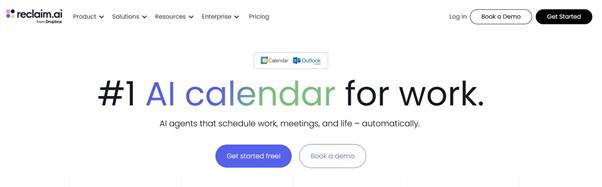
What it does: A lighter-weight calendar defender — it protects focus time, auto-schedules recurring habits, and syncs across work and personal calendars.
Why it earns a spot: Reclaim doesn’t try to run your whole day like Motion does. It’s the better fit if you just want your calendar to stop getting steamrolled by other people’s meeting invites.
Best for: Anyone who wants Motion’s calendar-defense superpower without committing to Motion’s full task-planning system or price tag.
The WIOAI Verdict: The “starter” version of Motion. Upgrade to Motion once your task list outgrows what a calendar app can manage.
AI Writing & Communication
Grammarly

What it does: A writing layer that now sits across every app you type in — email, docs, Slack, CMS editors — catching errors, adjusting tone, and rewriting whole sentences on request.
Why it earns a spot: It’s the lowest-friction tool on this list. Install the extension once and it works everywhere, silently, without you having to remember to open another tab.
Best for: Anyone who writes professionally and doesn’t want a second app to manage.
The WIOAI Verdict: Not flashy, but the compounding time saved from never re-reading your own email five times before sending is real.
Superhuman
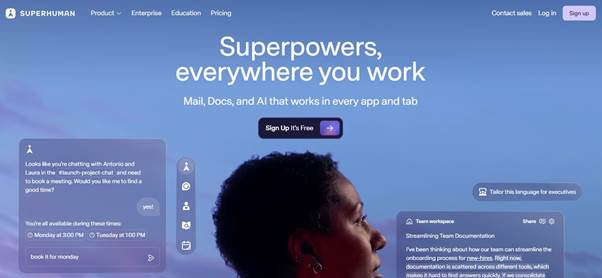
What it does: An AI-powered email client built for speed — AI-drafted replies, one-keystroke triage, and a workflow designed to get you to inbox zero without reading every message in full.
Why it earns a spot: This is the non-obvious pick in the writing category. Grammarly makes your writing better; Superhuman makes your entire inbox faster. Different problem, and email time savings compound daily in a way most tools don’t.
Best for: Anyone whose inbox is the actual bottleneck, not their writing quality.
The WIOAI Verdict: A genuine habit-change tool, not just a feature bolt-on — but it only pays off if email is where your week actually disappears.
AI Tools for Research & Knowledge Work
Perplexity
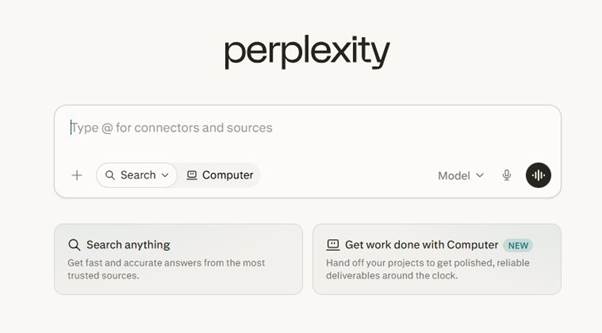
What it does: Delivers cited, multi-source answers to research questions in seconds instead of the usual multi-tab search-and-verify loop.
Why it earns a spot: The citations are the whole point — you’re not just getting an answer, you’re getting a shortcut to the sources you’d have had to find yourself.
Best for: Fast-turnaround research: fact-checking, competitive scans, “what’s the current state of X.”
The WIOAI Verdict: The right tool for breadth. Pair it with Claude for depth (see below) rather than trying to make one tool do both jobs.
Claude
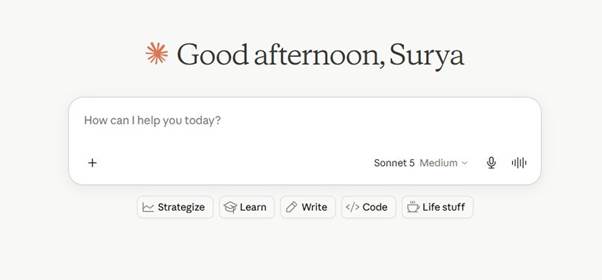
What it does: Handles long, complex documents, nuanced writing, and multi-step reasoning tasks that need more care than a quick search can give.
Why it earns a spot: Where Perplexity is built for fast source-gathering, Claude is built for synthesis — turning a stack of research, contracts, or reports into a coherent deliverable without losing nuance.
Best for: Consultants, analysts, and writers turning raw research into finished work: reports, briefs, first drafts, editorial content.
The WIOAI Verdict: The deep-work complement to Perplexity’s fast-lookup strength. Most research-heavy roles genuinely benefit from running both.
Automation AI Tools
Zapier

What it does: Connects thousands of apps through automated workflows (“Zaps”), now with an AI Copilot that builds those automations through conversation instead of manual configuration.
Why it earns a spot: This is the connective tissue for every other tool on this list. A meeting note from Fireflies can automatically become a task in your project tool, which can trigger a Slack update — without you touching any of it.
Best for: Anyone running more than two of the other tools on this list who wants them to actually talk to each other.
The WIOAI Verdict: The multiplier tool. Its value scales with how much of your stack it’s connecting, not with how you use it in isolation.
Lindy
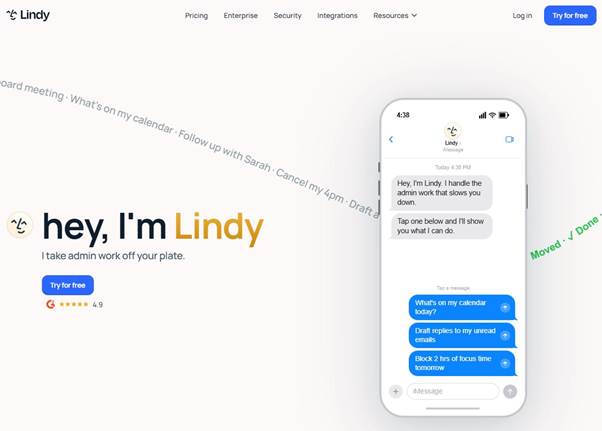
What it does: Builds AI agents that handle full workflows — inbox triage, follow-ups, scheduling — rather than single-step automations.
Why it earns a spot: The non-obvious pick in this category. Where Zapier connects apps, Lindy operates more like a hire: it takes ownership of an entire recurring task end to end.
Best for: Operational bottlenecks like inbox management and follow-up sequences that need judgment, not just a trigger-action rule.
The WIOAI Verdict: The clearest example of the shift from “AI tools that assist” to “AI agents that complete tasks.” Worth testing before adding more single-purpose tools to your stack.
AI Tools for Design, AI Content & AI Video
Gamma

What it does: Generates presentations, documents, and web pages from a prompt or outline, with AI handling layout and design decisions.
Why it earns a spot: For anyone who regularly turns raw content into polished decks or one-pagers, Gamma removes the formatting step entirely — the part that usually eats more time than the actual content does.
Best for: Founders, marketers, and consultants who need presentation-ready output fast, without a design background.
The WIOAI Verdict: Strong on speed and decent on polish; still worth a manual pass for high-stakes external decks.
HeyGen
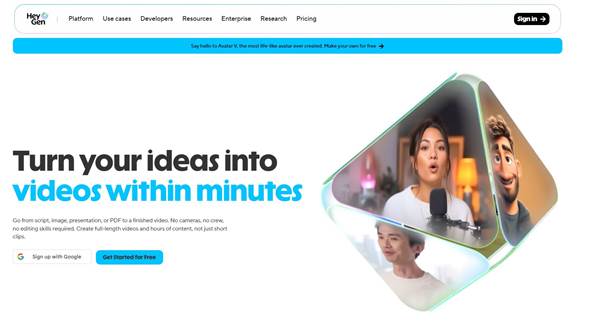
What it does: Generates AI avatar videos and localizes existing video content into multiple languages without reshooting anything.
Why it earns a spot: For teams managing global audiences, this turns one video into a dozen distribution-ready assets in the time it used to take to edit one.
Best for: Marketing and social teams localizing product demos, announcements, or training content across markets.
The WIOAI Verdict: A genuine hours-saved tool if you’re already producing video at scale — overkill if you’re not.
Descript

What it does: Edits video and audio by editing the transcript — delete a word from the text, and it’s removed from the recording. Includes an Overdub feature to fix spoken mistakes without re-recording.
Why it earns a spot: This is the most structurally different tool on the list. It doesn’t add AI features to a traditional editor — it replaces the editing paradigm entirely.
Best for: Podcasters, video creators, and anyone producing narrated content regularly.
The WIOAI Verdict: A genuinely novel workflow, not a checkbox AI feature bolted onto an old tool. Worth the learning curve.
AI Tools for Workspace & Building
Notion AI
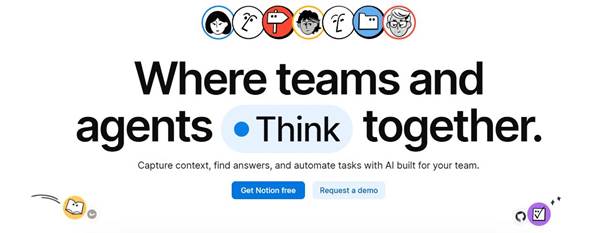
What it does: Summarizes documents, generates action items, brainstorms, and organizes notes directly inside your existing Notion workspace.
Why it earns a spot: The value here is contextual — it understands the workspace you’re already in rather than requiring you to copy content into a separate tool.
Best for: Teams already living in Notion for documentation and project management.
The WIOAI Verdict: Not worth adopting on its own, but a strong multiplier if Notion is already your team’s home base.
Hostinger Horizons
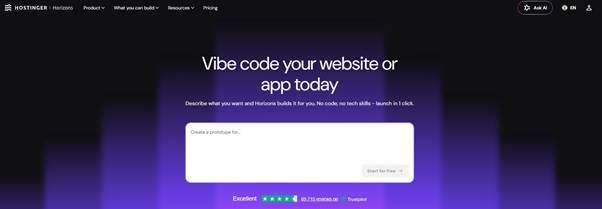
What it does: A conversational, no-code “vibe coding” builder that turns plain-language prompts into fully functional websites and web apps — complete with hosting, databases, authentication, and payments bundled in.
Why it earns a spot: This is the most unexpected pick on the list, and deliberately so. Most productivity roundups stop at writing and scheduling tools; Horizons compresses an entire category of work — building and shipping a functional app or site — from weeks down to hours, with no developer required.
Best for: Founders, freelancers, and small businesses that need to launch an MVP, booking site, or simple web app without hiring a developer or juggling separate hosting, domain, and database services.
The WIOAI Verdict: The clearest “50+ hours saved” claim on the entire list for the right use case — but it’s a specialist tool for a specific job (shipping something live), not a daily productivity habit like the rest of this list.
Building Your AI Tools Stack
No one needs all 15 tools, Match tools to where your week actually disappears:
- Meetings eating your week: Fireflies + Read AI
- Calendar chaos: Motion AI
- Inbox and writing friction: Grammarly + Superhuman
- Research bottlenecks: Perplexity + Claude
- Repetitive manual work: Zapier + Lindy
- Content and design production: Gamma, HeyGen, Descript
- Shipping something live: Hostinger Horizons
Here’s a short poem for you:
Hey You! Hey You!
Setting a meeting or taking notes too?
Try an AI, it helps you through!
Less time typing, more time to do,
Work gets easier, dreams come true,
Smile and let AI work with you!
-Team WIO
WIO Karo! Chill Karo!